In this section you can create and add a new look. Also view and edit looks.
Follow step by step instructions:
1. Click the Management to enter the application.

2. For the view a menu click the "Sample" button.

3. Click the "Look Manager" button.

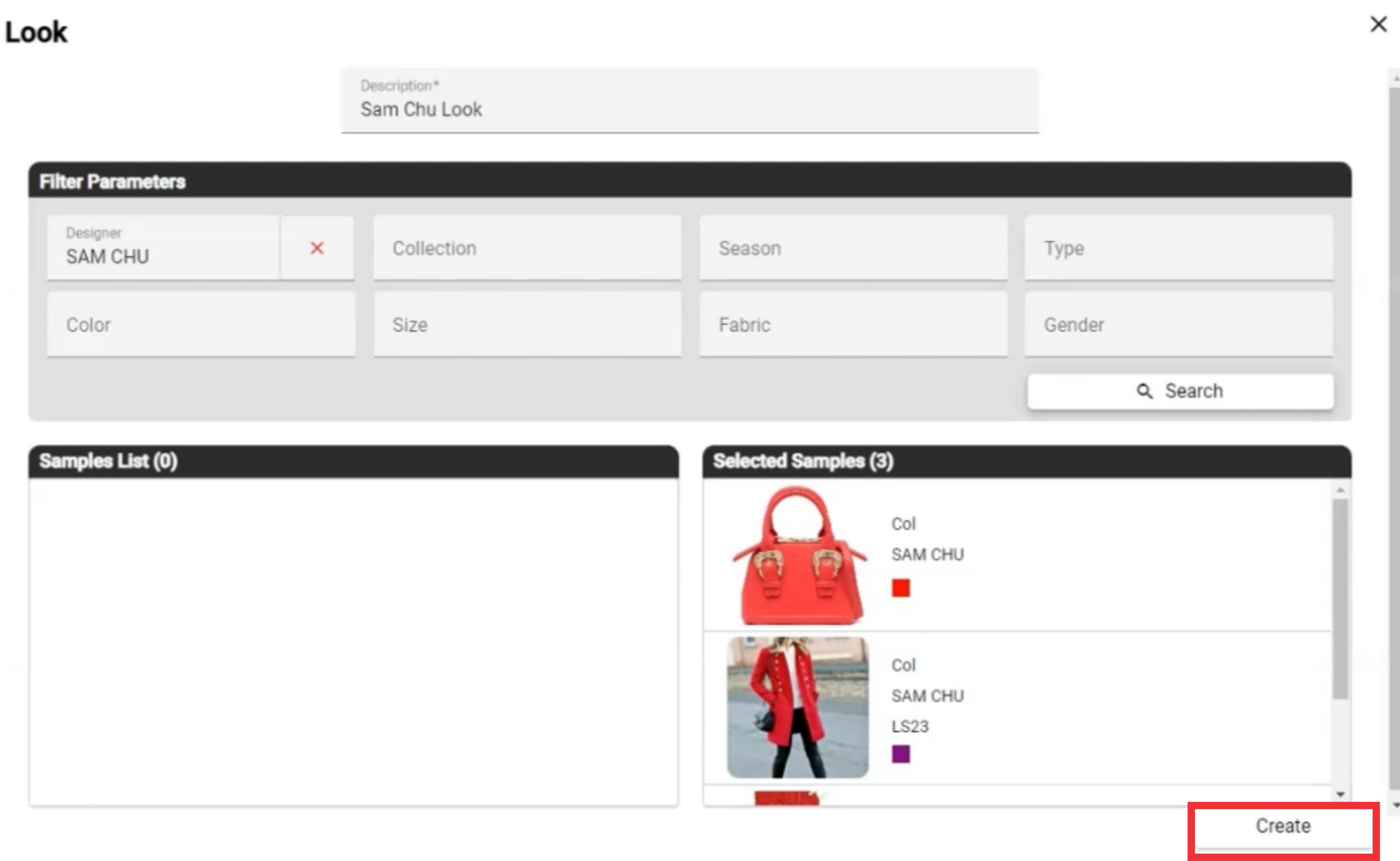
4. For the create a new look click the Create Look button.

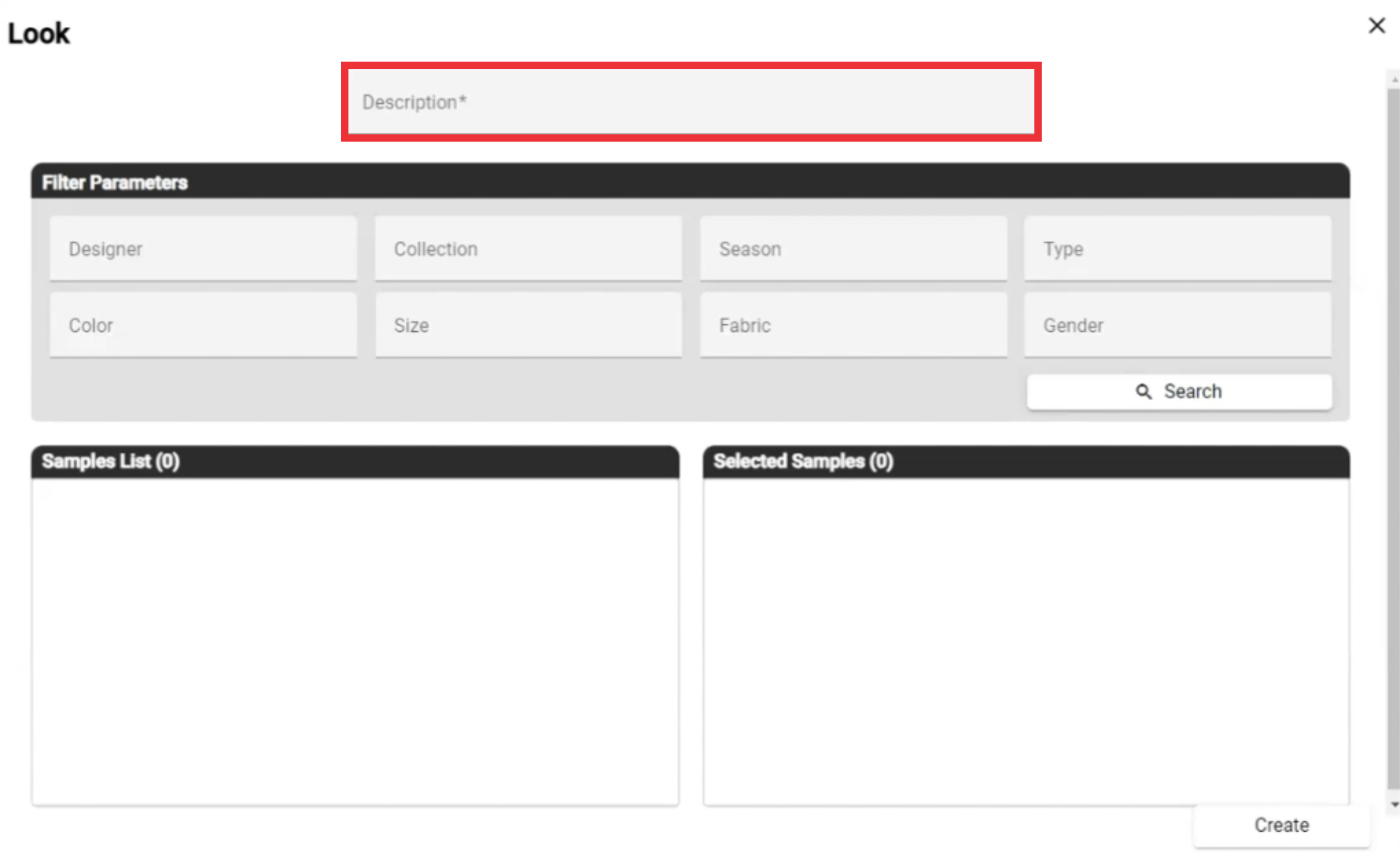
5. Enter the description in the field.
6. Select desired designer from the list.

7. Select Collection From the list.

8. Select Season from the List.
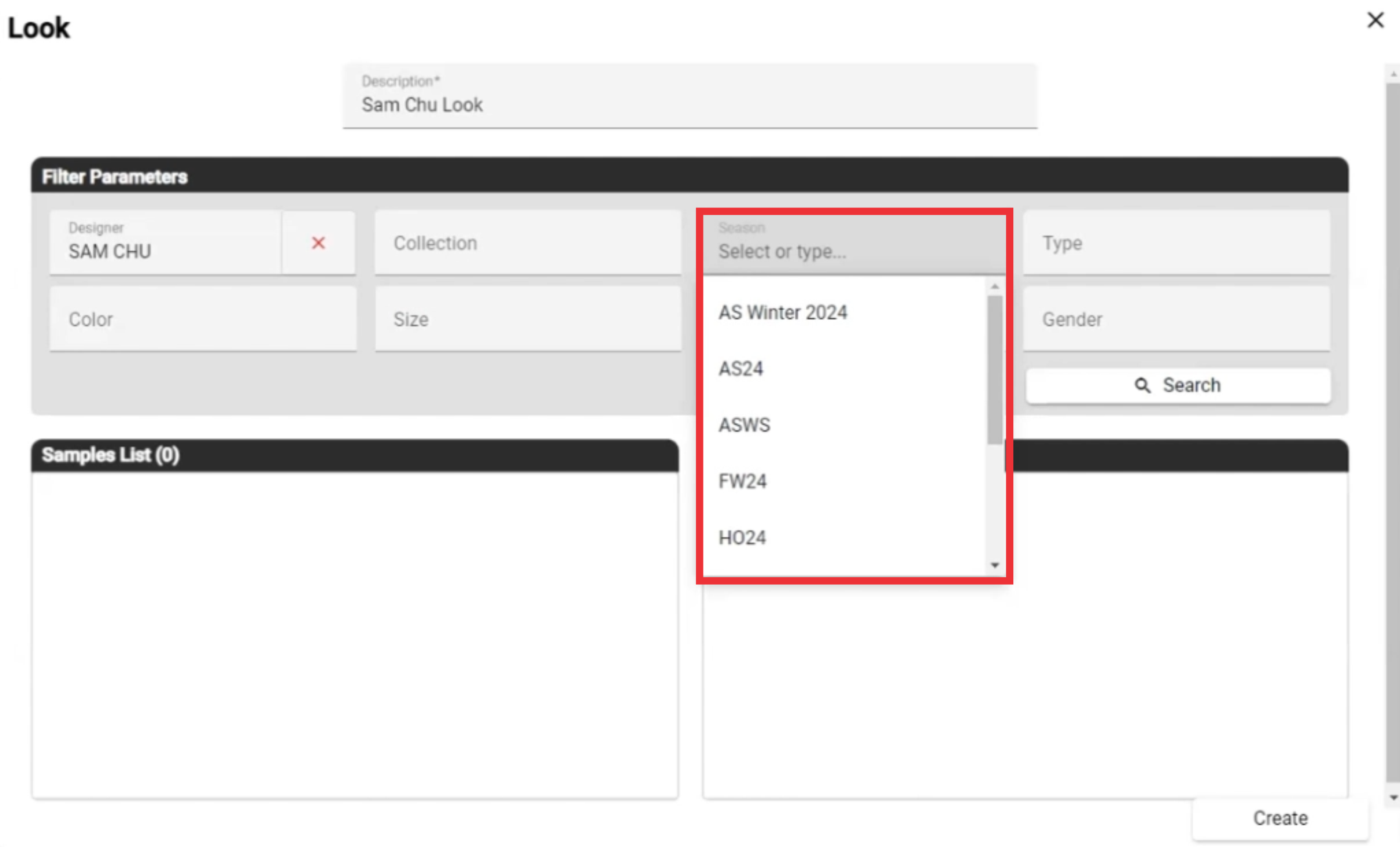
9. If desired slect Type from the list.

10. Select color from drop down list.

11. Select Size from drop down list.

12. Select Fabrik from list.

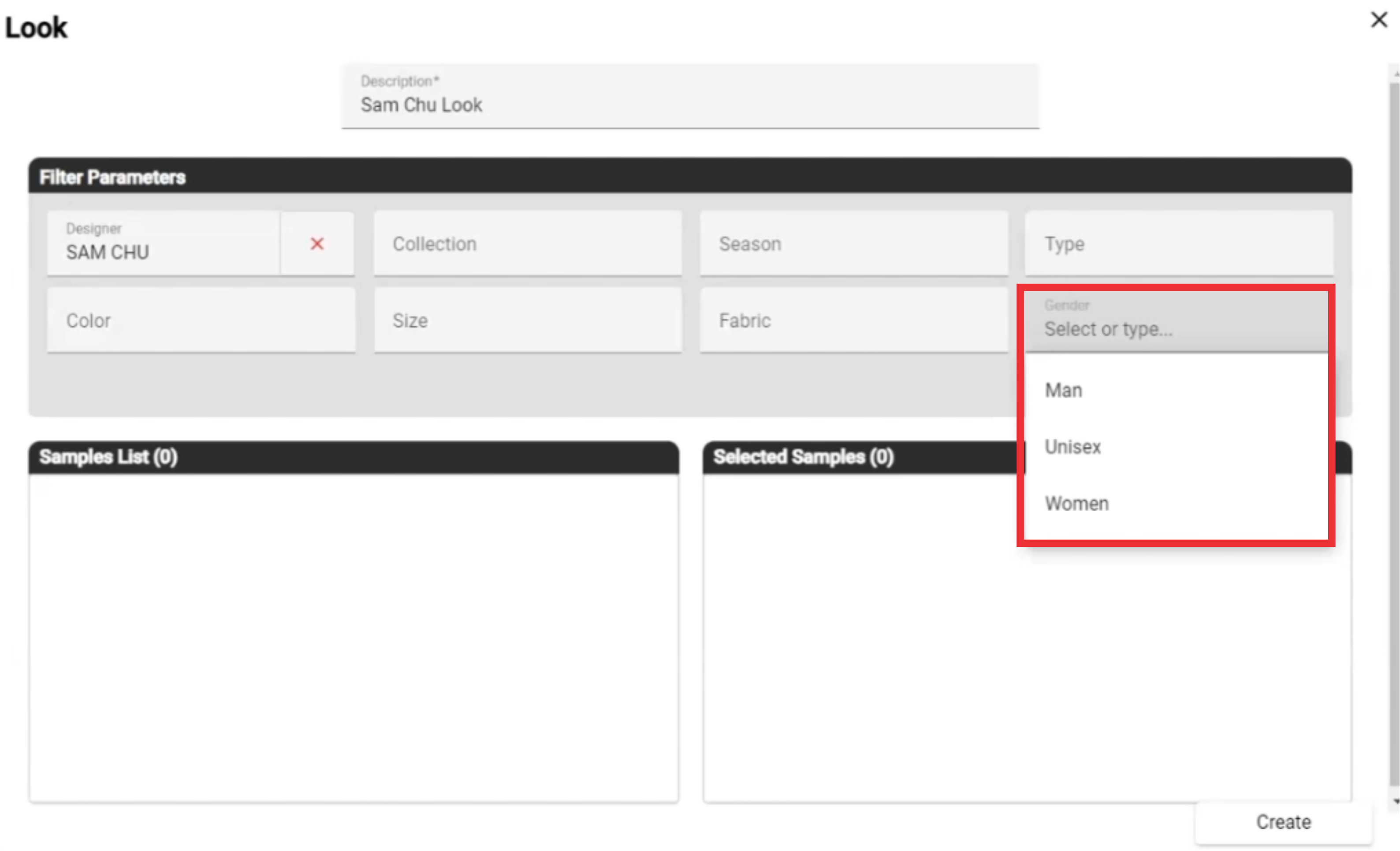
13. Select gender from drop down list.
14. For the view looks from selected filters option click the "Search" button.

15. You can view Samples list in left box.

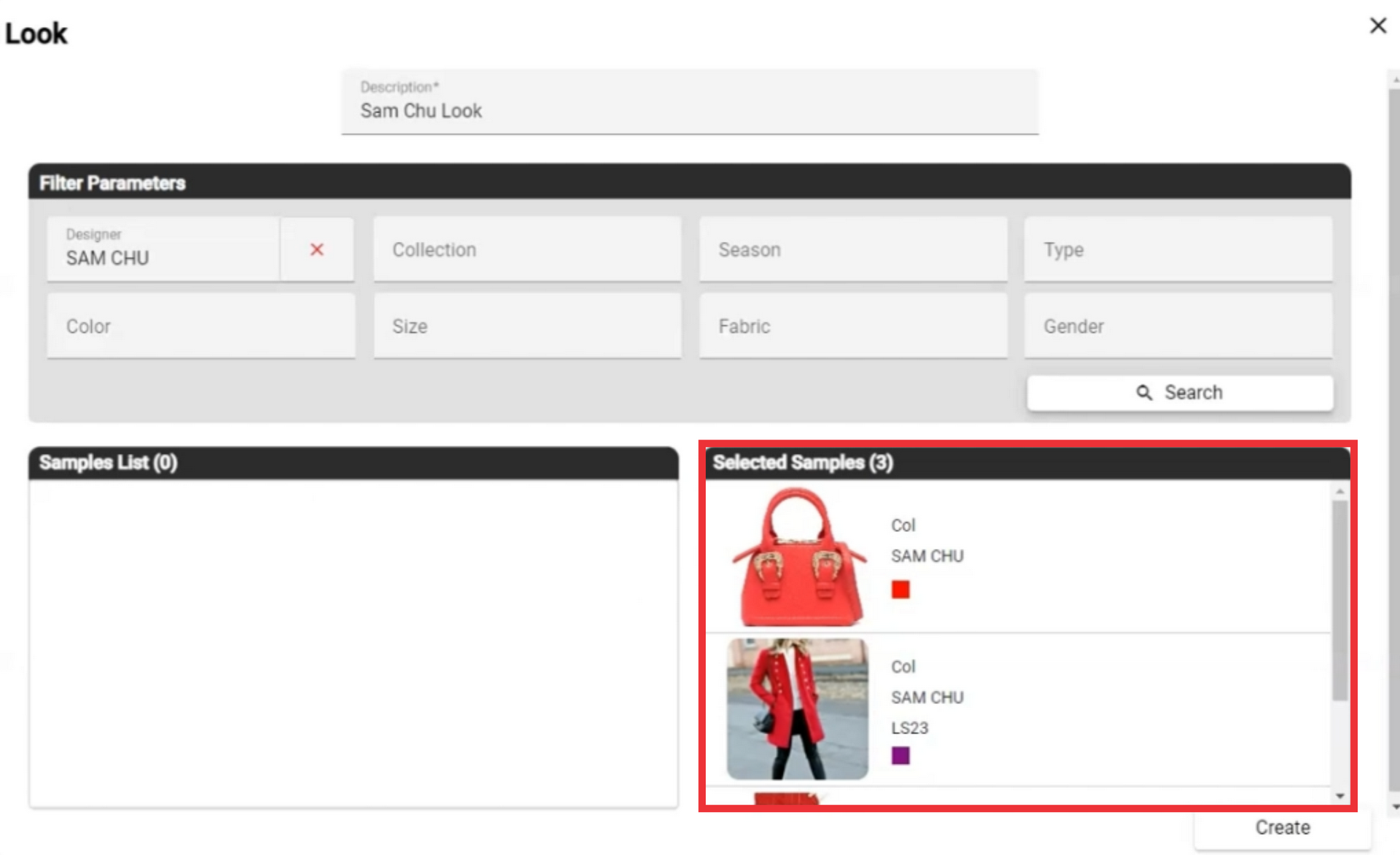
16. To create a new look from list of items you need to move desired sample photo to Selected sample box.

17. You can view your selected samples in right box.
18. For the create new look click the "Create" button.
19. For the view Look menu click the "Select" button.

20. From this menu you can edit or delete look.
